Mac Operations
Modifying the TCC database
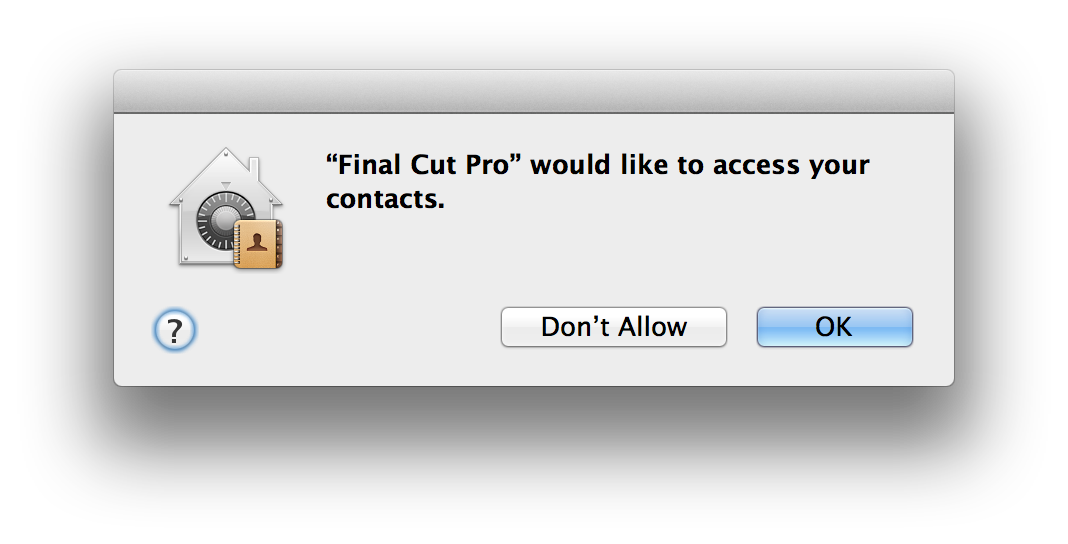
Mountain Lion introduced a new iOS-like feature to allow users to be notified when an application requests access to that user’s contacts:
…and to be able to modify this access later:
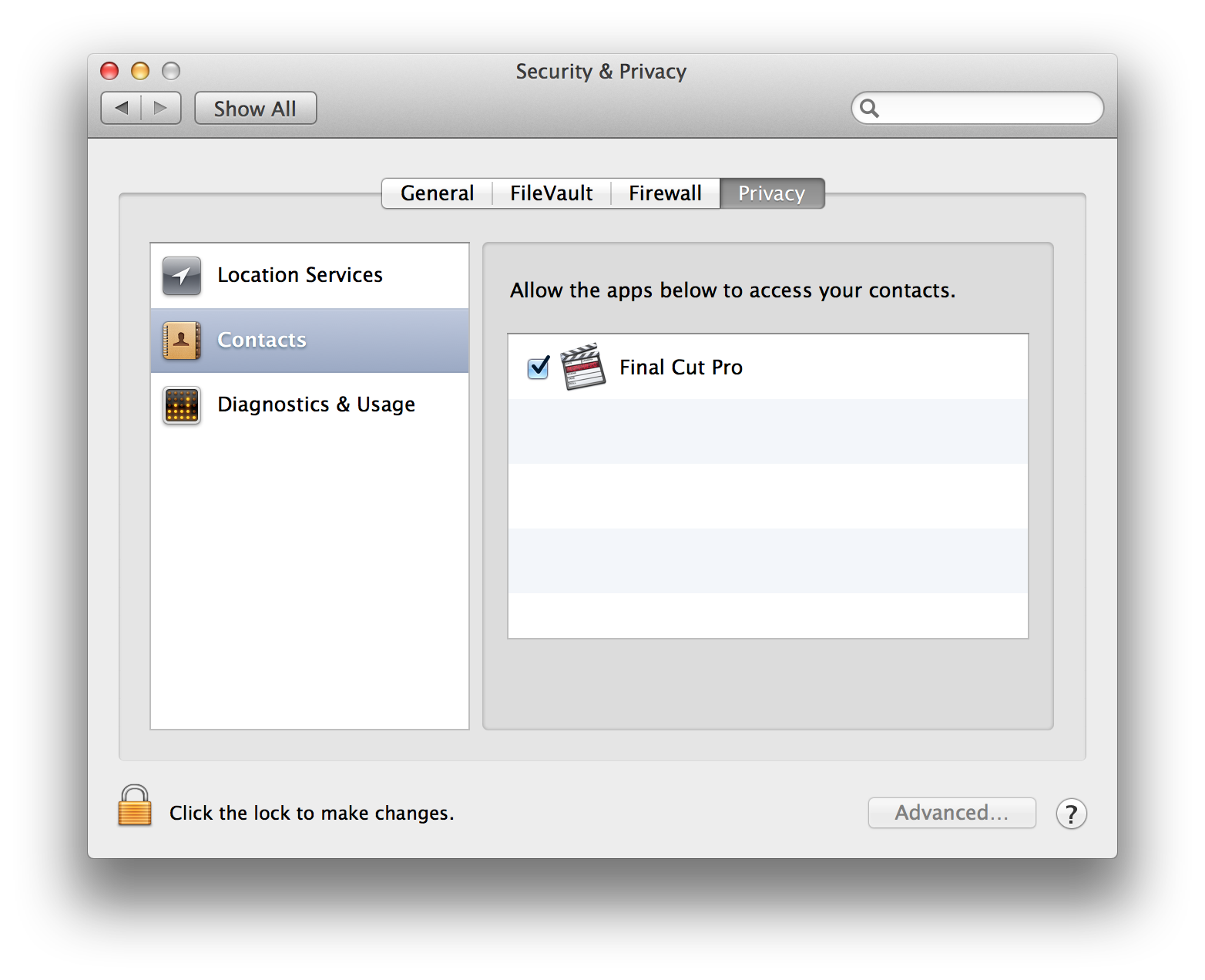
Why does Final Cut Pro 7 want to access contacts? Final Cut Pro 7 introduced a feature that uses iChat (which doesn’t even really exist in Mountain Lion), therefore when a user first launches FCP, OS X will ask permission to allow FCP to access that user’s contacts.
It might be nice to be able to pre-allow or -disallow access for applications without user intervention, especially in scenarios where user Library data isn’t persistent across logins in a multi-user environment, where users would otherwise be nagged frequently to access what’s likely an empty Contacts database.
These contacts turn out to be stored in an SQLite3 database, located in the user’s library folder:
~/Library/Application Support/com.apple.TCC/TCC.db
This database is managed by the tccd daemon located at:
/System/Library/PrivateFrameworks/TCC.framework/Resources/tccd
We can query it with the built-in sqlite3 command-line tool:
➜ sqlite3 ~/Library/Application\ Support/com.apple.TCC/TCC.db

SQLite version 3.7.12 2012-04-03 19:43:07
Enter ".help" for instructions
Enter SQL statements terminated with a ";"

sqlite> .tables
access access_overrides access_times admin
There’s some useful information in the access table:
sqlite> .dump access
PRAGMA foreign_keys=OFF;
BEGIN TRANSACTION;
CREATE TABLE access (service TEXT NOT NULL, client TEXT NOT NULL, client_type INTEGER NOT NULL, allowed INTEGER NOT NULL, prompt_count INTEGER NOT NULL, CONSTRAINT key PRIMARY KEY (service, client, client_type));
INSERT INTO "access" VALUES('kTCCServiceAddressBook','com.apple.FinalCutPro',0,1,0);
INSERT INTO "access" VALUES('kTCCServiceAddressBook','com.google.Chrome',0,1,0);
COMMIT;
Here we’ve got FCP and Google Chrome (the latter triggered because we visited GMail). The last three integer columns store the values for client_type, allowed, and prompt_count.
Given this very simple database schema, it’s pretty trivial to update this database ourselves directly. In my experience, when the database gets updated, the Security & Privacy preferences pane responds to the change as soon as its window again receives focus.
I wrote a Python script that allows for ad-hoc changes to the allowed column, given an app bundle id. It should also be usable in scenarios where a user may be brand new and not yet had the TCC database created, so it will handle the initial schema creation of the database if it doesn’t already exist. This is available here. It currently assumes you’ll be running the script as the user whose database will be modified.
Update: Since I originally wrote this script for a very simple purpose on 10.8, Pierce Darragh and Richard Glaser of the University of Utah Marriott Library have taken these ideas and run with them with the Privacy Services Manager tool, and much further expanded the scope of services upon which it can operate, supporting new-since-10.8 OS X features and changes to the underlying mechanisms that control their behaviour. While I haven’t used this tool, it looks like they have put a lot of work into it, so I’d recommend looking into this if managing these controls is of interest to you.
comments powered by Disqus